18 December 2023
- OneClickNewButton accent color
- OneClickNewDefault values for disposable fields
- OneClickNewUser data with disposable fields
- OneClickNewCurrent user data with Link buttons
Button accent color
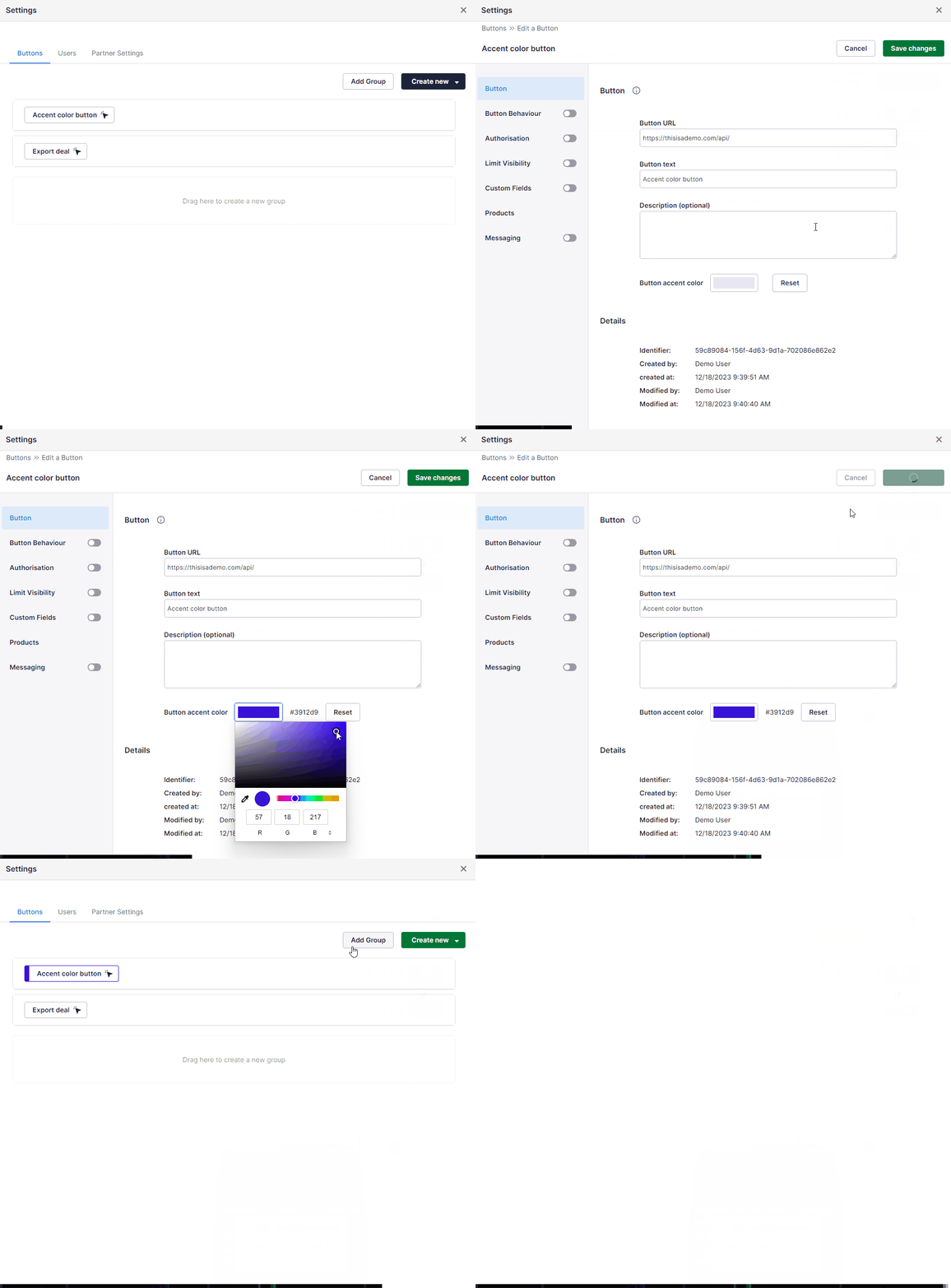
If you’d like to easily distinguish different buttons and actions from each other, you can now set accent colors to buttons. Use the color picker in settings to to choose your color, and the reset button to remove it:
Default values for disposable fields
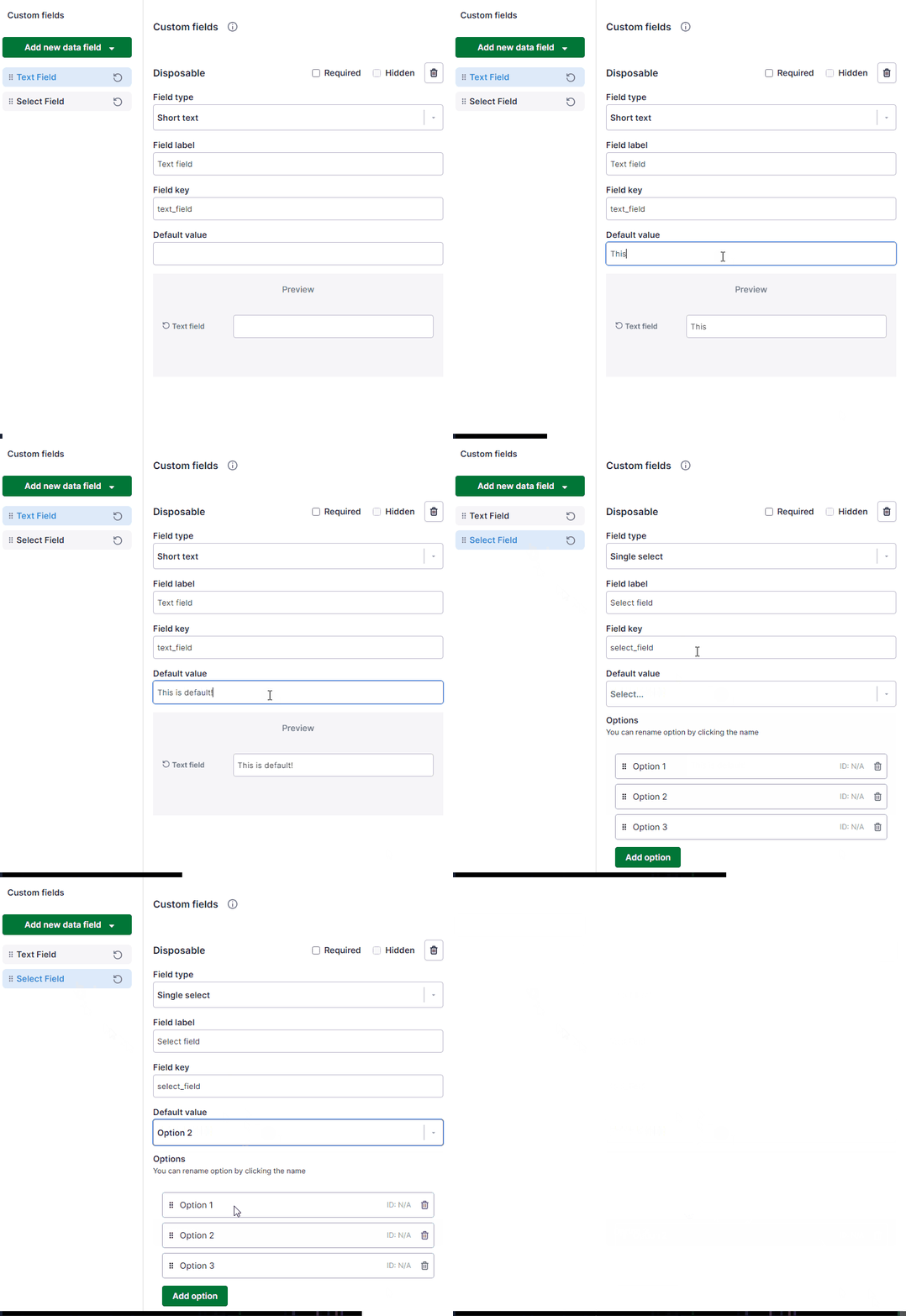
You can not set default values for all of the disposable field types:
User data with disposable fields
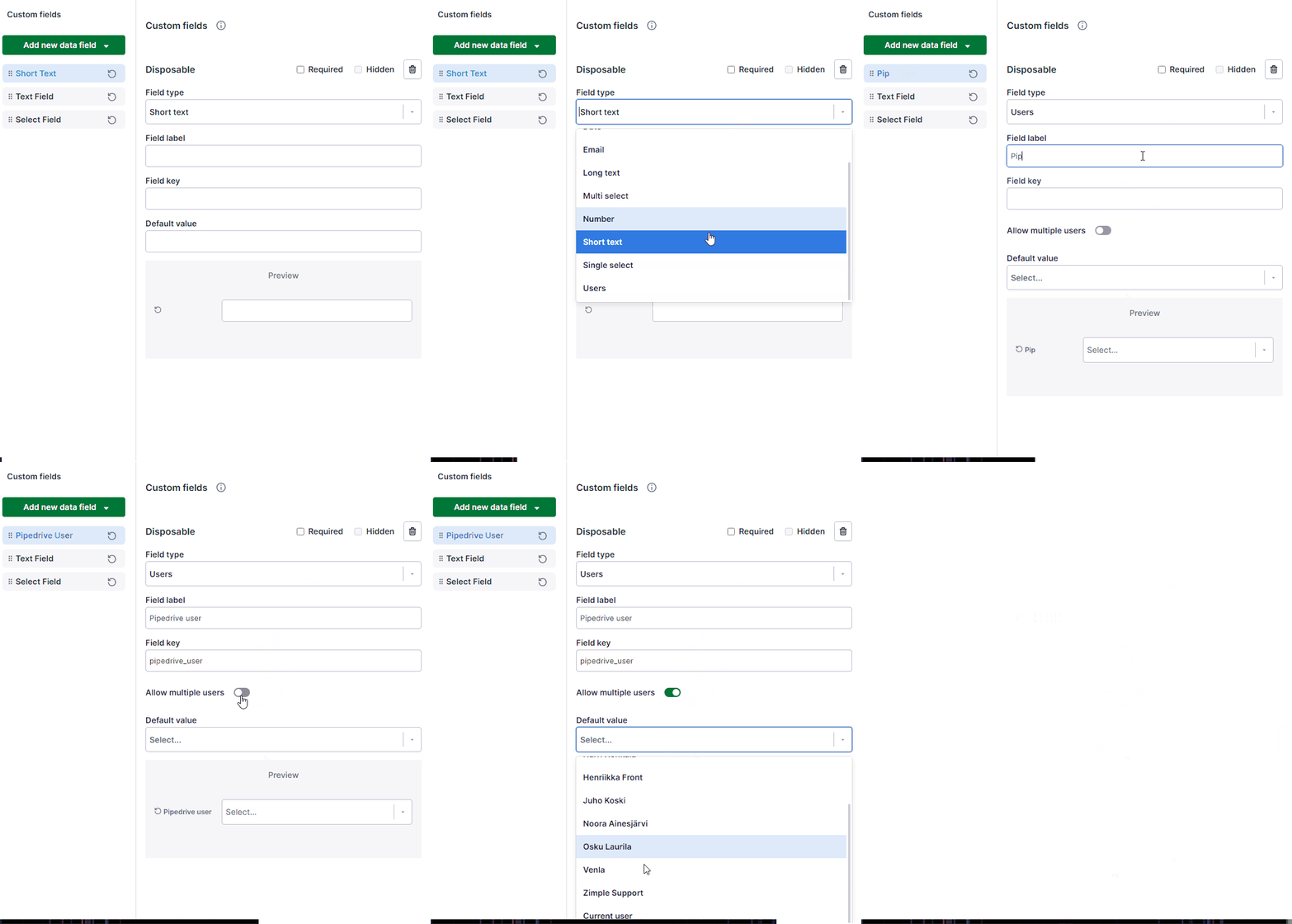
New disposable field type “Users” has been added. This allows selecting one or multiple Pipedrive users when triggering the button, and the user data will be included in the button click payload. You can also set a default value “Current user” for user fields, which then automatically selects the value to who ever clicked the button:
Current user data with Link buttons
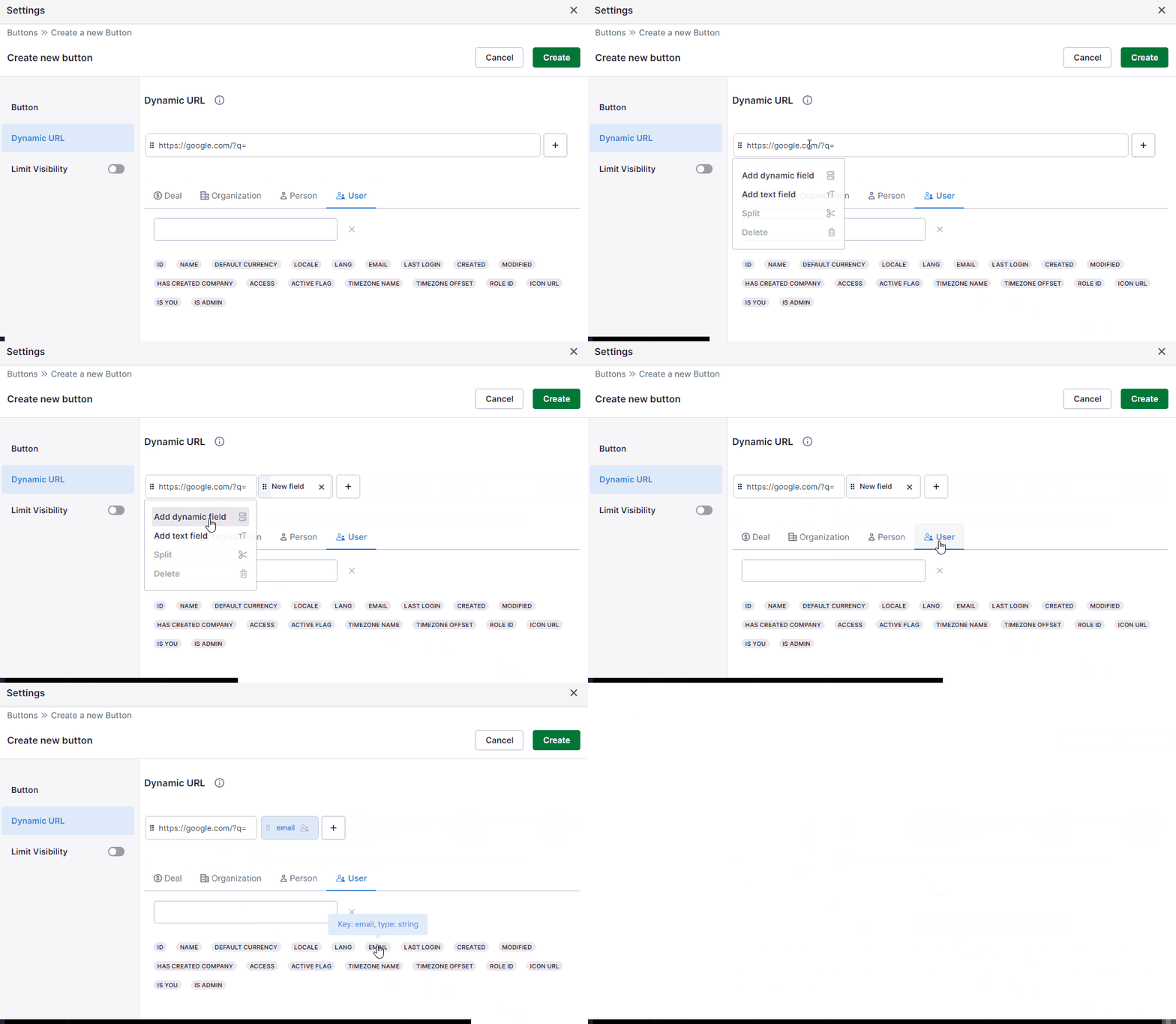
Link buttons can now include Pipedrive user field elements as part of the dynamic URL. The data is always fetched from the user who clicks the Link button: