8 March 2023
- OneClickNewLimit visibility
- OneClickNewVisibility settings in the Connections list
Important: If you have installed Zimple OneClick prior to March 8th 2023 this update requires a re-authorization of the OneClick application due to changed permissions scopes. We have added deals (full access) and contacts (full access) scopes in the application permission set as these are required for the new visibility feature and to prepare for future releases.
When you see this message in the OneClick application panel please click on “Re-authorise” and proceed to accept the changes:
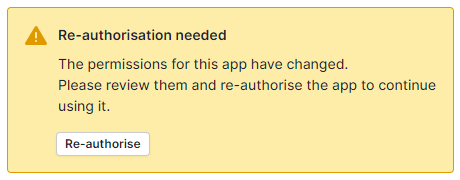
If you cannot see the re-authorisation request and see this error instead, you need to refresh your browser window first:

Limit visibility
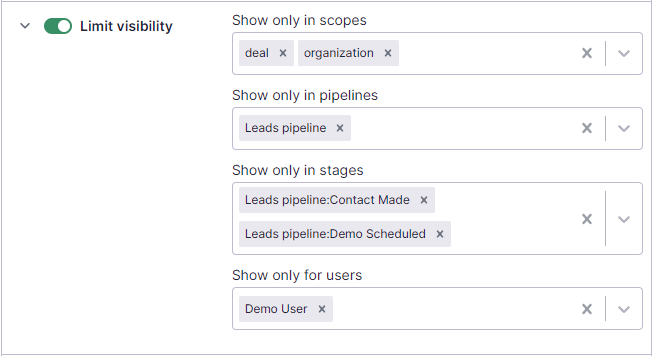
You can now limit the connection button visibility! Check the new section “Limit visibility” under the add/edit connection dialog (read more here):
Visibility settings in the Connections list
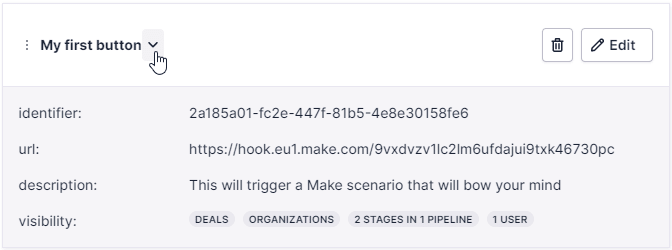
The connection visibility settings are also visible under the connection preview in the Connections list after saving your settings: