OneClick documentation
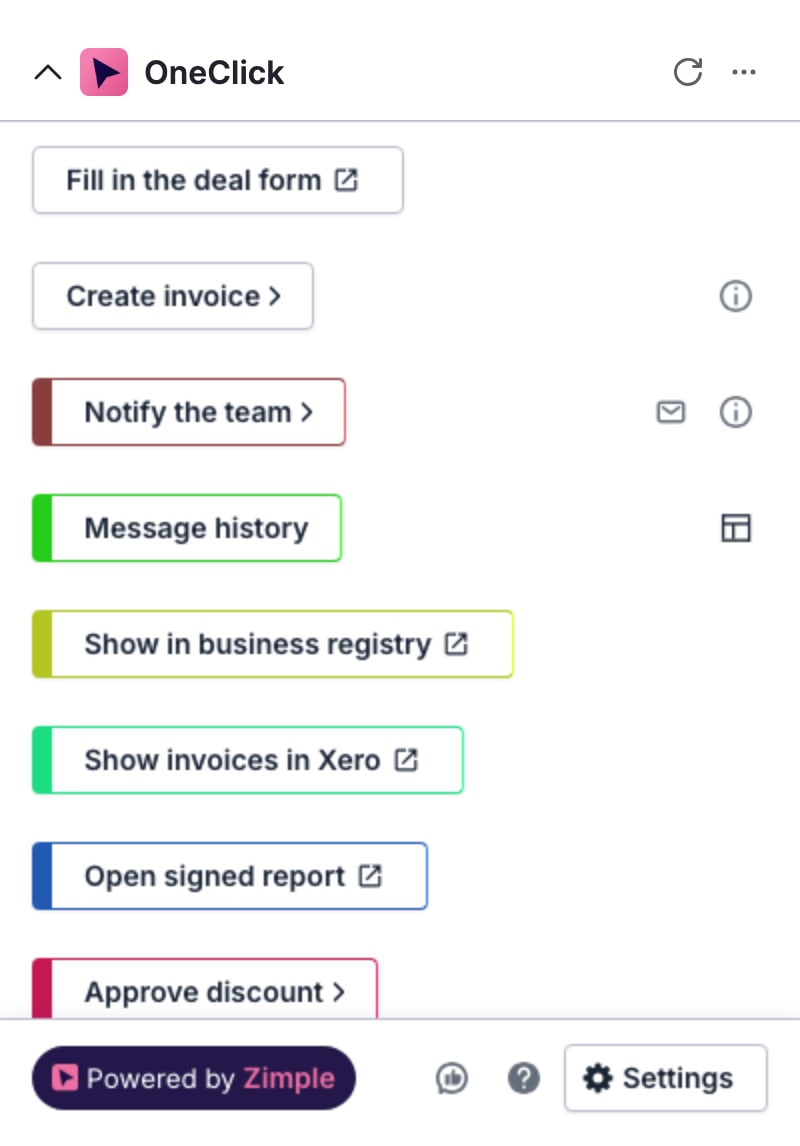
OneClick adds Buttons to deals, persons and organizations in Pipedrive. A Button sends record data to Zapier, Make or your own server, opens a link, or opens a view built in Interface Builder.
Choose a topic
- OneClick
Install OneClick, use Buttons on a record, create and manage Buttons, and set up your account.
- Interface Builder
Build the forms, tables and charts that an Interface button opens in Pipedrive.
- Partner Portal
For Partners: add customers, set seats, give your team access and copy Buttons to customers.
How it works
- Pipedrive record
- Target
- Result on the record
- 1
An admin creates a Button
Pick a Button type, set the target and choose which record fields to send.
- 2
A user presses it on a record
The Button sits in the OneClick panel of the deal, person or organization.
- 3
The target does the work
Zapier, Make or your server gets the data and can send a result back to Pipedrive.
Button types
Workflow button
Send record data to Zapier, Make or your own server.
Examples
- Create an invoice
- Start an onboarding flow
- Sync a deal to an ERP
On press
- Request
- POST https://hooks.zapier.com/hooks/catch/…
- Body
- { "deal": { "title": "Acme Ltd · New licences" } }
- Response
- 200 · "Invoice created"
Link button
Open a URL with record data filled in.
Examples
- Open the customer portal
- Prefill a contract form
- Open a signed link
On press
- Opens
- https://portal.example.com/customers?org=Acme%20Ltd
- Signed
- &signature=9f2c… (optional)
- Where
- A new tab, or a modal in Pipedrive
Interface button
Open an Interface view in Pipedrive.
Examples
- A quote form on a deal
- A product picker
- An approval screen
On press
- Opens
- The Interface view "Quote form" in a Pipedrive modal
- Data
- The deal, its organization and its products
- Submit
- Sends the form to your target, or writes back to Pipedrive
Interface Builder
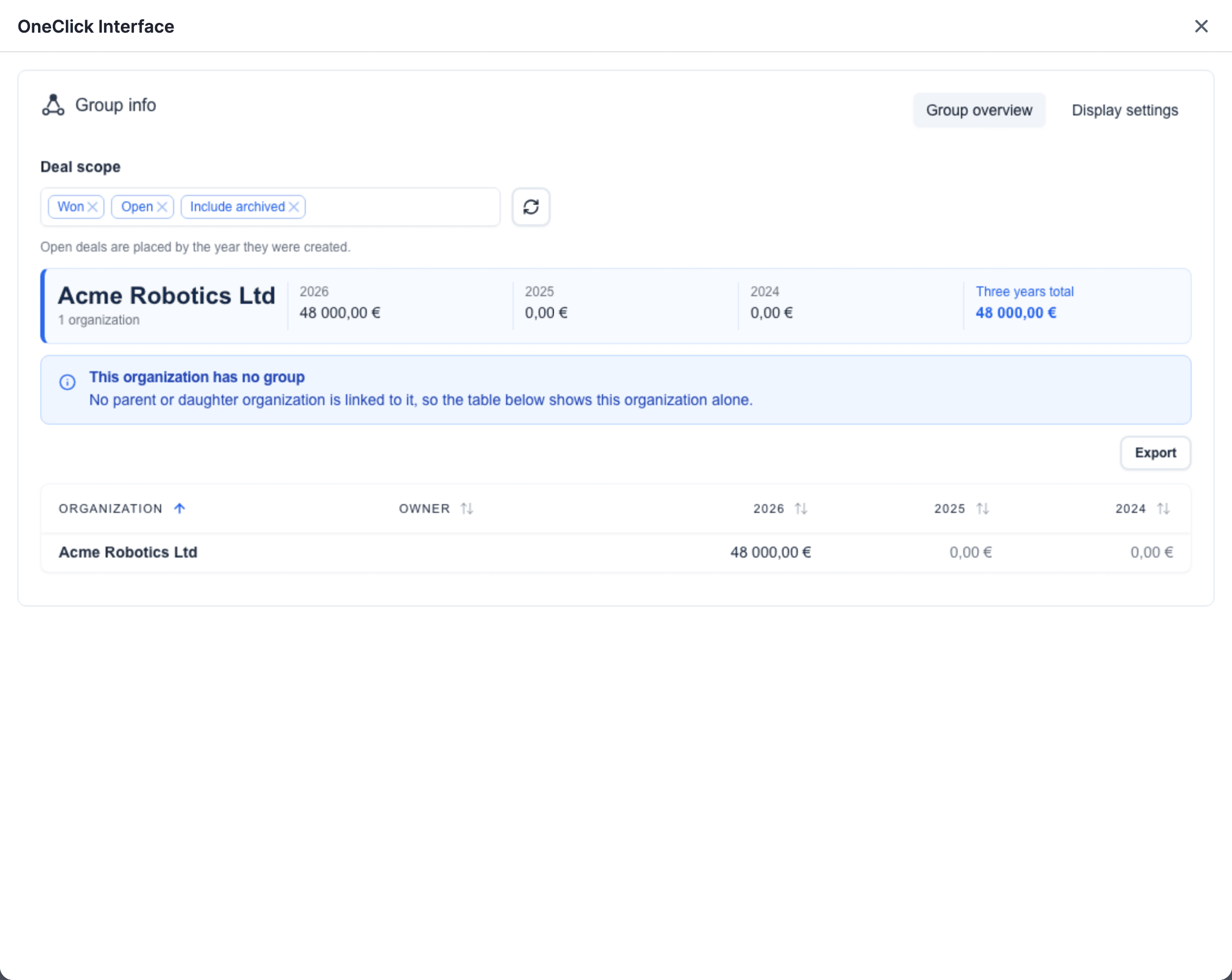
In Interface Builder an admin puts forms, tables, charts and inputs on a canvas, binds them to record data and publishes the Interface view. An Interface button opens it.
- Forms that write back to Pipedrive
- Tables and charts from external data
- Snapshots that you can restore