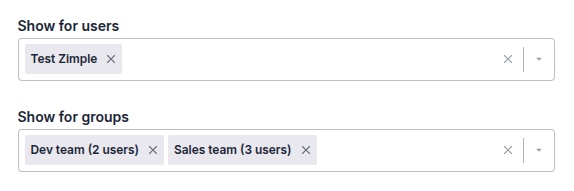
Release 2026-01-22
New features
User groups
OneClick users can now be grouped. User groups can be configured in the main settings view under the Groups tab:
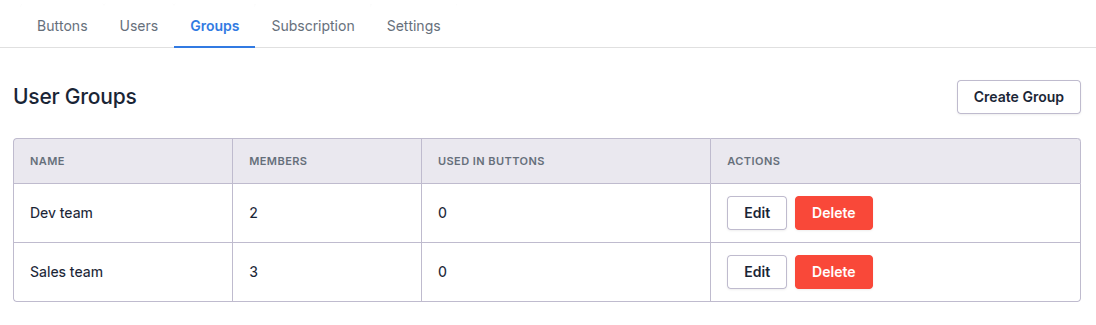
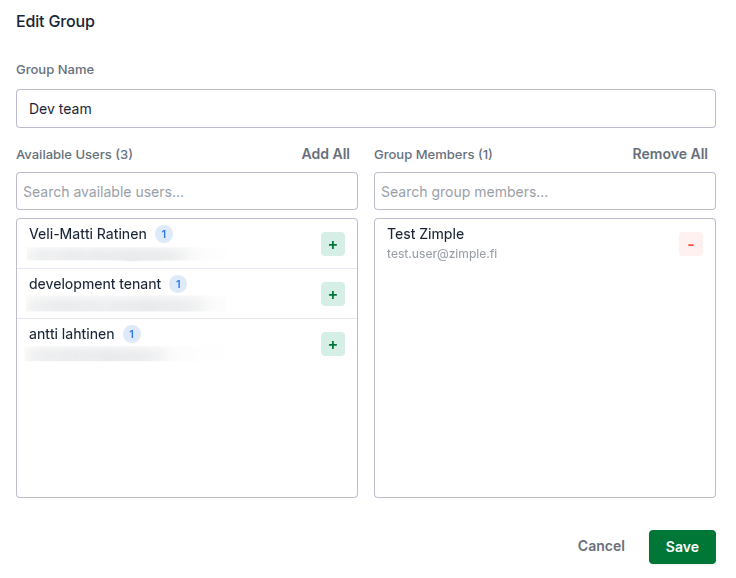
Click on Create Group to add a new group. Then edit the group and select users from the left side list to be added to the group in the right side list. To delete users from the group do the same thing the other way around:
Limit visibility based on user groups
It is now possible to limit button visibility based on the user groups. Please note that if you have also defined visibility for specific users in the "Show for users" field, the button will be visible both for the specific users and for the users in the groups selected: