Limit visibility
To use this feature you need to enable it in the left hand menu first:
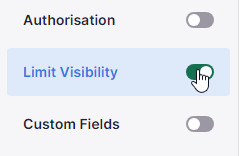
With the limit visibility feature you can define in which context the button are visible. For example if you create a button that will send a deal to invoicing it makes sense that it is only visible on deals, not on organizations or persons.
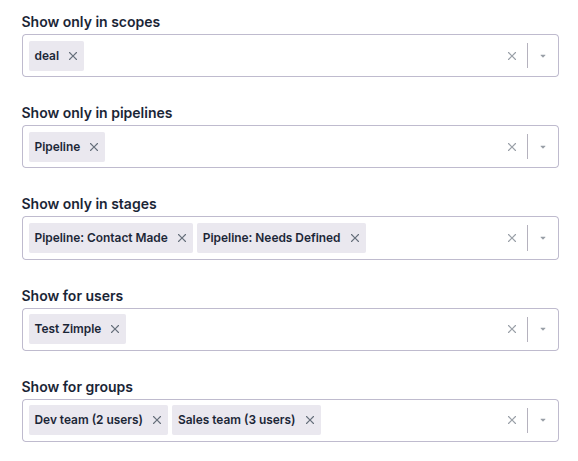
Show only in scopes
When selected, the button will only be visible in the selected Pipedrive object types. If omitted the button will be visible in all object types
Show only in pipelines
Can only be set if the "Show only in scopes" selection includes deals. When selected the button will only be visible in the selected deal pipelines.
Show only in stages
Can only be set if the "Show only in pipelines" selection has been set. When selected the button will only be visible in the selected pipeline stages. If omitted the button will be visible in all of the pipeline's stages.
Show for users
When selected, the button will only be visible for the selected users and for the users in the groups defined in the next section
Show for groups
When selected, the button will only be visible for the users in the selected groups and for users defined in the previous section
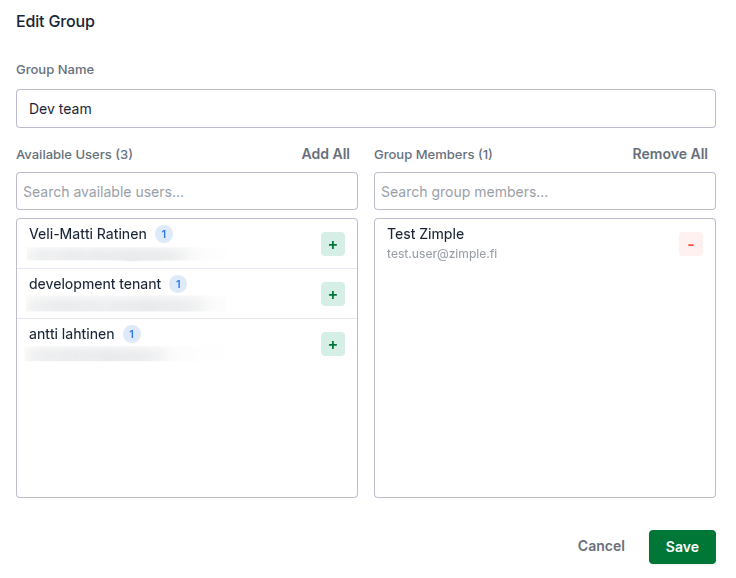
User groups can be configured in the main settings view under the Groups tab:
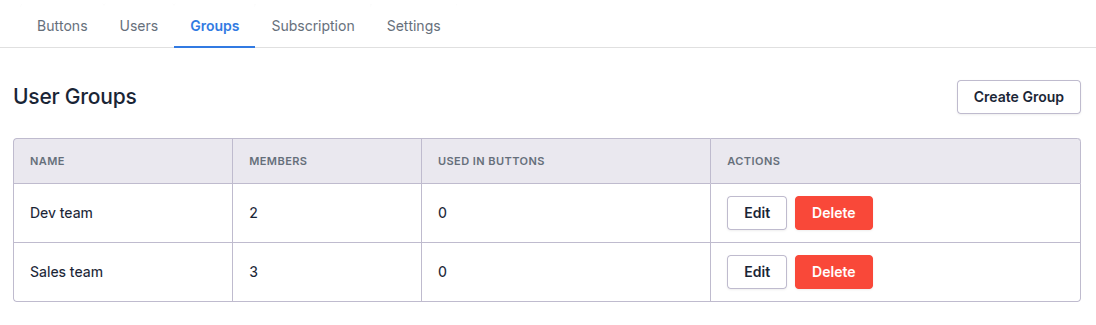
Click on Create Group to add a new group. Then edit the group and select users from the left side list to be added to the group in the right side view. To delete users from the group do the same thing the other way around: