Panel and Floating window
An Interface button is in one of two places in Pipedrive: the Panel or the Floating window. The place sets how the user finds the Button and which data the view gets.
Two places for a Button
Section titled “Two places for a Button”| Place | Where the user finds it | How the user opens it | Data of a Pipedrive record |
|---|---|---|---|
| Panel | In the sidebar of a deal, a person or an organization. | The user opens the record. | Yes: the open record. |
| Floating window | In a window over Pipedrive, on all pages. | The user clicks the OneClick icon in the top bar. | No. |
You select the place when you make the Button. See Select the place: the Panel or the Floating window.
The Panel
Section titled “The Panel”The Panel is the OneClick area in the sidebar of a Pipedrive deal, person or organization. Pipedrive shows the Panel when the user opens one of these records.
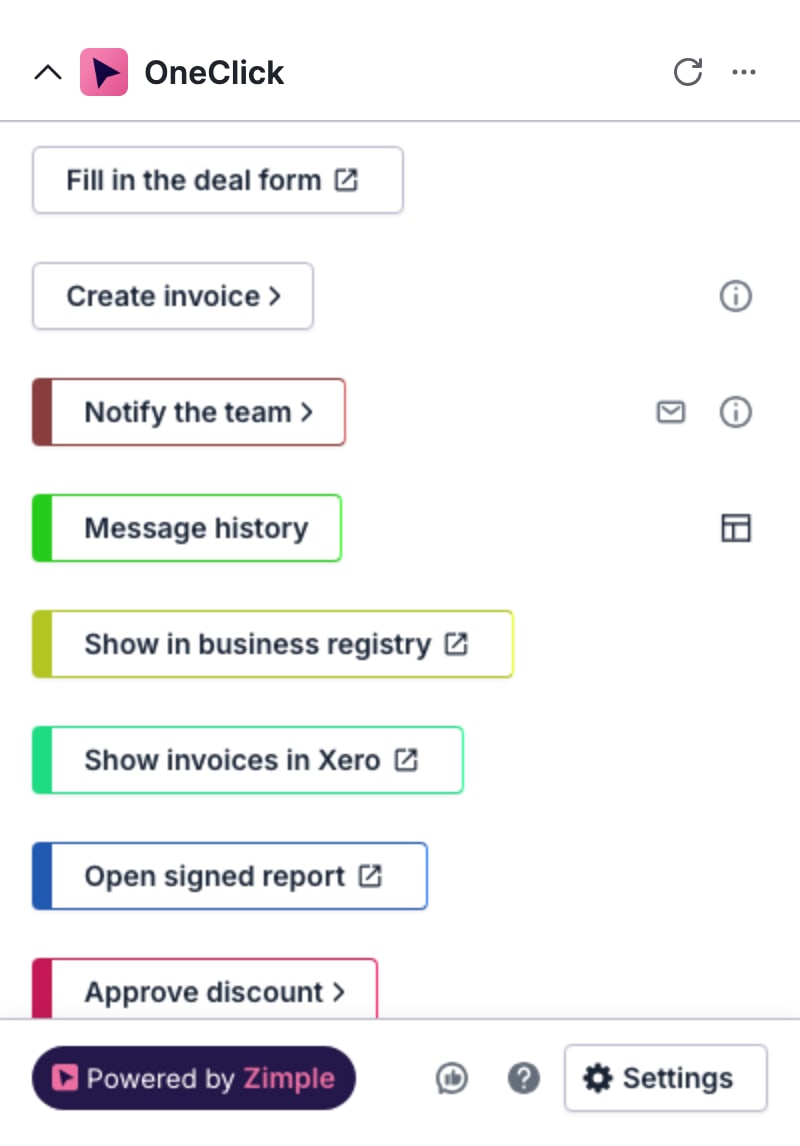
A Button in the Panel belongs to the record that the user has open. When the user presses an Interface button, OneClick gives the view the type of the record and its ID. The view then shows the data of that deal, person or organization. You do not get the record data yourself.
An admin sees a layout icon at the right of each Interface button in the Panel. The icon opens the view of that Button in Interface Builder.
The Floating window
Section titled “The Floating window”The Floating window floats over Pipedrive. The user opens it with the OneClick icon in the top bar of Pipedrive and closes it with the X icon. The window stays open when the user moves to another page in Pipedrive.
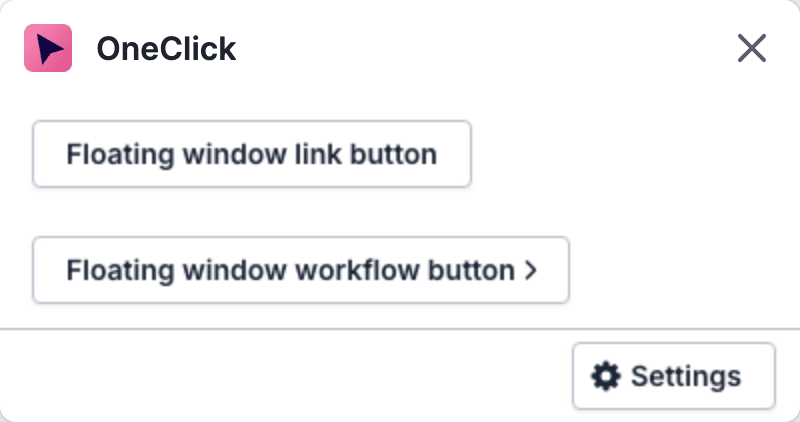
The Floating window is not on a record page, so a Button in it belongs to no record. The view of a Floating window Button gets no deal, person or organization data. It can show the data of the user who presses the Button and data from your own data source.
Interface Builder hides the record data from a Floating window Button. For the details, see Floating Window Buttons.
How an Interface button opens a view
Section titled “How an Interface button opens a view”The Button opens the view in the same way in the two places:
- The user presses the Interface button in the Panel or in the Floating window.
- A window with the title OneClick Interface opens over Pipedrive.
- The window shows the view.
Only the data is different. A view from the Panel gets the open record. A view from the Floating window gets no record.
Different Buttons in each place
Section titled “Different Buttons in each place”The Panel and the Floating window have different Buttons. A user cannot press a Panel Button in the Floating window, or a Floating window Button in the Panel.
The OneClick Settings show the two lists on two tabs: Panel and Floating window. When you click Settings in the Floating window, the Settings open on the Floating window tab. See Manage Buttons.