General
This page is for admins. The General settings contain Reveal on hover.
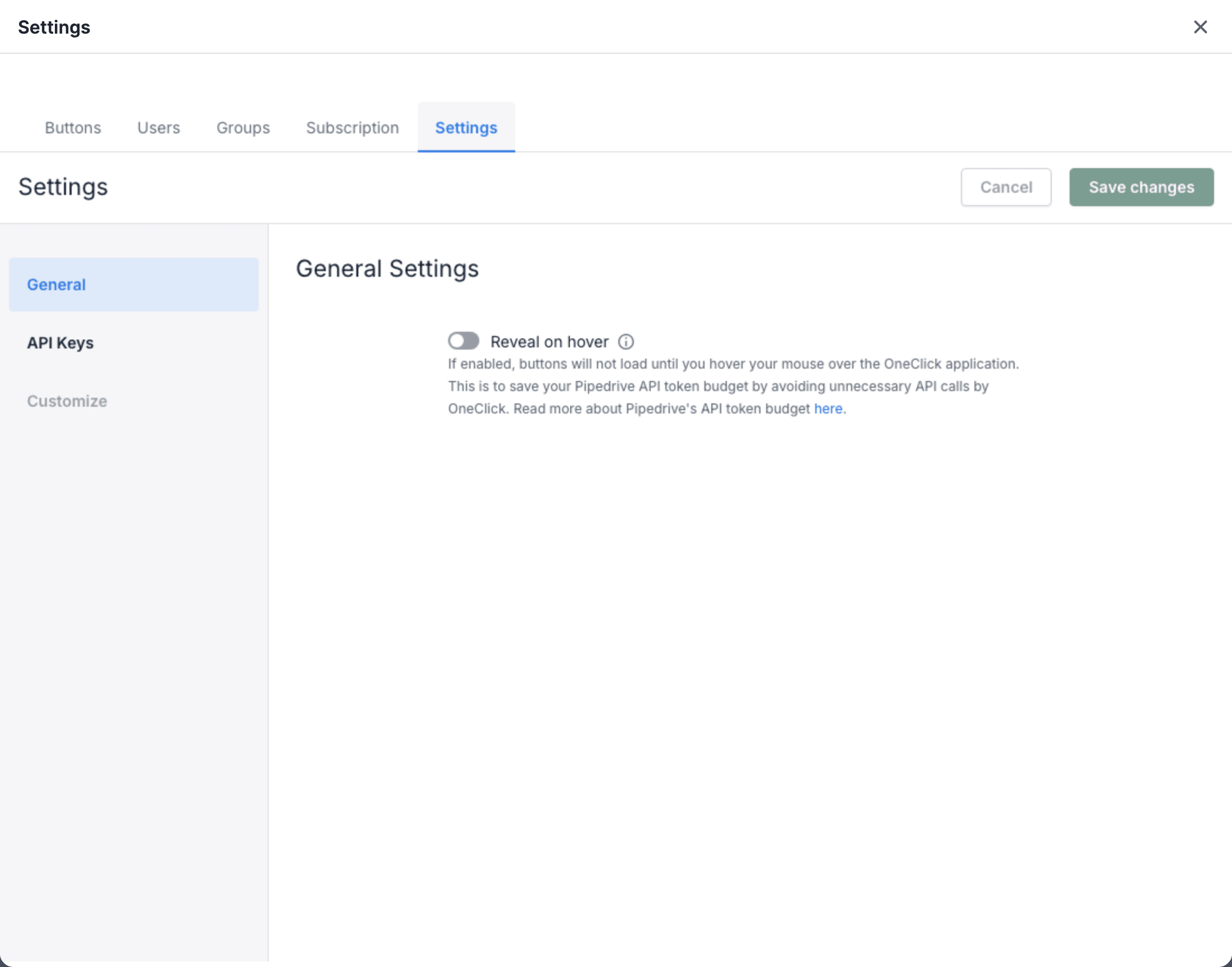
Reveal on hover
Section titled “Reveal on hover”Pipedrive gives each company a daily API token budget. Each Pipedrive API call uses tokens from this budget. For the details, see Rate limiting in the Pipedrive developer documentation.
When a user opens a deal, a person or an organization, Pipedrive loads the OneClick Panel. To show the Buttons, OneClick calls the Pipedrive API. These calls use tokens, also when the user does not press a Button.
Reveal on hover stops these calls until the user needs the Buttons:
- When Reveal on hover is on, the Panel shows Hover here to reveal buttons. OneClick loads the Buttons when the user moves the mouse pointer over the Panel.
- When Reveal on hover is off, OneClick loads the Buttons each time that the Panel opens.
The setting applies to all OneClick users in your Pipedrive company.
Turn Reveal on hover on or off
Section titled “Turn Reveal on hover on or off”- Click Settings at the bottom of the OneClick Panel.
- Click the Settings tab. The General settings open.
- Click the Reveal on hover switch.
- Click Save changes. To discard the change, click Cancel.