Use an Interface view
This page is for Pipedrive users who press Buttons.
An Interface button opens an Interface view. Your admin builds the Interface view in Interface Builder. An Interface view can show data in tables and text, and it can have forms that you fill in and send. The content of each Interface view is different. For questions about a view, speak to your admin.
Open an Interface view
Section titled “Open an Interface view”- Open the deal, the person or the organization in Pipedrive.
- Click the Interface button in the Panel. A window with the title OneClick Interface opens over Pipedrive and shows the Interface view.
- Wait until the Interface view loads its data.
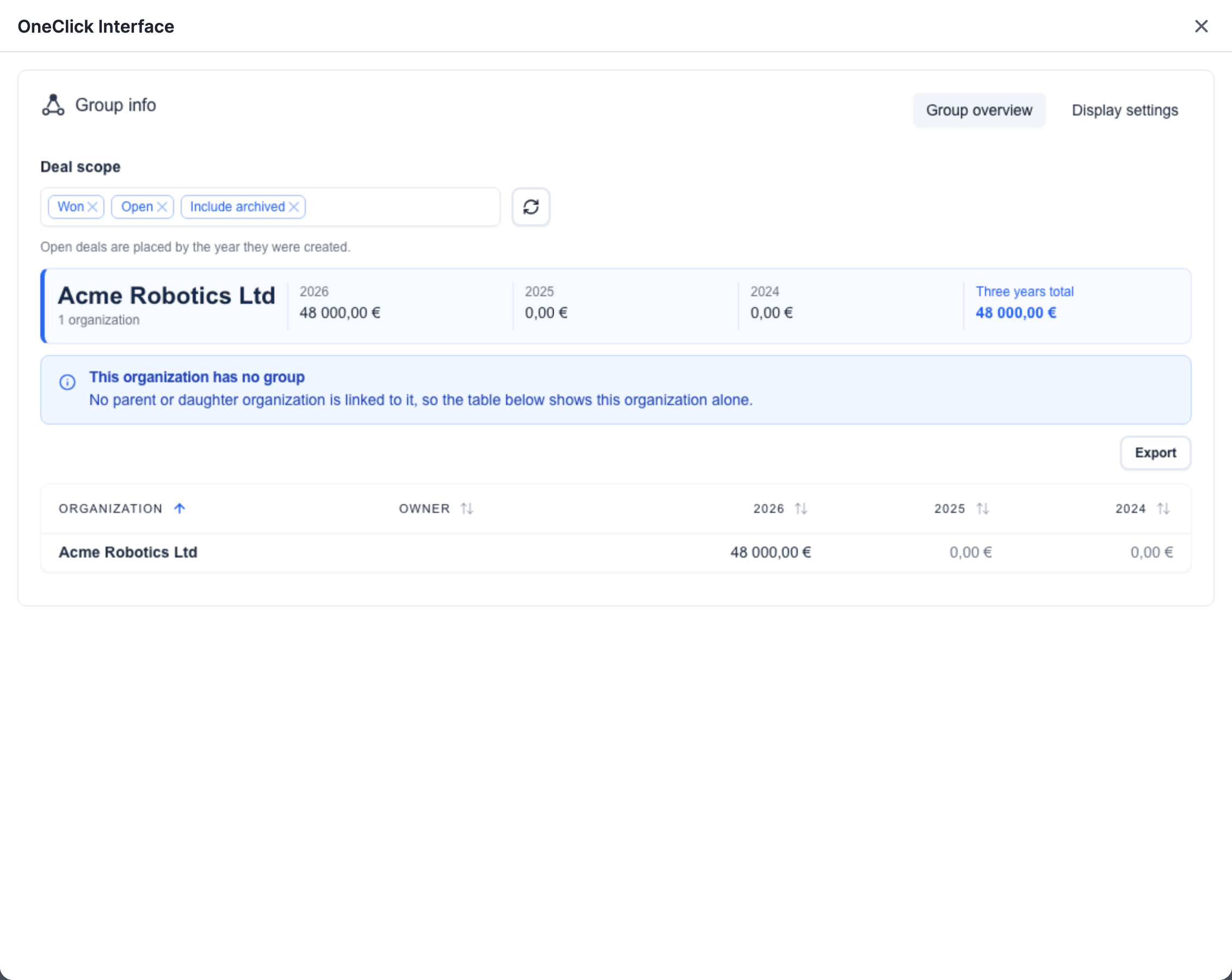
An Interface button in the Panel gives the Interface view the data of the record. An Interface button in the Floating window gives no record data to the Interface view. Its Interface view gets its data from other sources.
Work in an Interface view
Section titled “Work in an Interface view”- To fill in a form, type or select the values. Then click the button of the form that sends the values.
- An Interface button can open more than one Interface view. A button or a link in one Interface view can open the next one.
- To close the Interface view, click the X icon at the top right of the window.
If the Interface view does not open
Section titled “If the Interface view does not open”- If the window shows No interface found for this button, the Button has no Interface view yet. Tell your admin.
- In the Floating window, OneClick can show Couldn’t refresh authentication. Please try again. Press the Button again.
For admins
Section titled “For admins”An admin sees a layout icon at the right of each Interface button in the Panel. Click the icon to open the Interface view in Interface Builder. See Interface Builder.