Why no Buttons show
This page is for Pipedrive users who press Buttons.
“Nothing to see here”
Section titled ““Nothing to see here””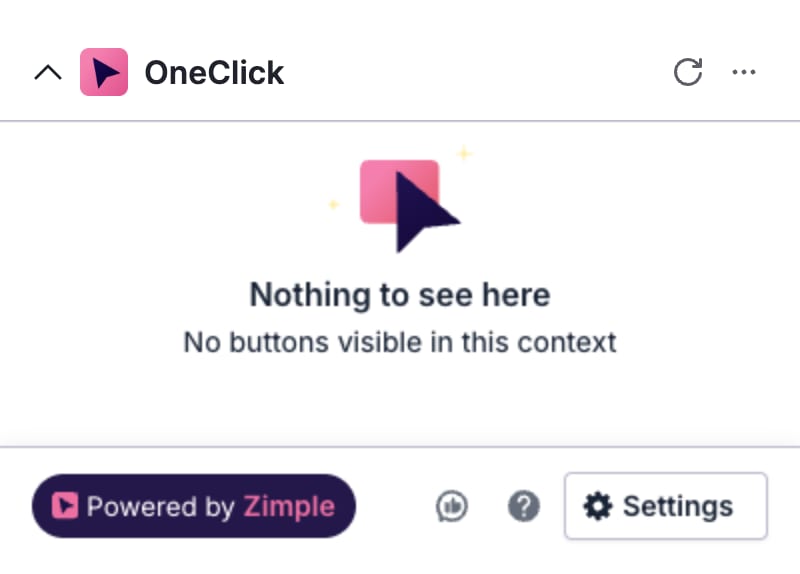
The Panel shows Nothing to see here and No buttons visible in this context. OneClick has Buttons, but no Button applies to this record or to you. Your admin can limit where a Button shows:
- Record type. A Button can show only on deals, persons or organizations. For example, a deal Button does not show on an organization.
- Pipeline and stage. A deal Button can show only in some pipelines or in some stages.
- Users and groups. A Button can show only for some users or for the users in some groups.
If you need a Button that does not show, ask your admin.
“No buttons yet”
Section titled ““No buttons yet””The Panel or the Floating window shows No buttons yet and Go to settings to create your first button. Your company has no Buttons in this place. An admin must make the Buttons first. See Buttons.
The Panel and the Floating window have different Buttons. A company can have Panel Buttons and no Floating window Buttons.
“Hover here to reveal buttons”
Section titled ““Hover here to reveal buttons””The Panel shows Hover here to reveal buttons. This is not an error. Move the mouse pointer over the Panel. OneClick then loads the Buttons.
The Panel does not show
Section titled “The Panel does not show”If the OneClick Panel does not show in the sidebar, refresh the Pipedrive page in your browser. If the Panel still does not show, install OneClick for your Pipedrive user. See Install OneClick as a user.
If OneClick shows Seat limit reached, you have no OneClick seat. Ask your admin to give you a seat.